Real deployments
Patient appointments for the Gynkomed gynaecology practice, bookings for the Medke Plus medical aids rental and apartment bookings for KarlovaTop in Prague.
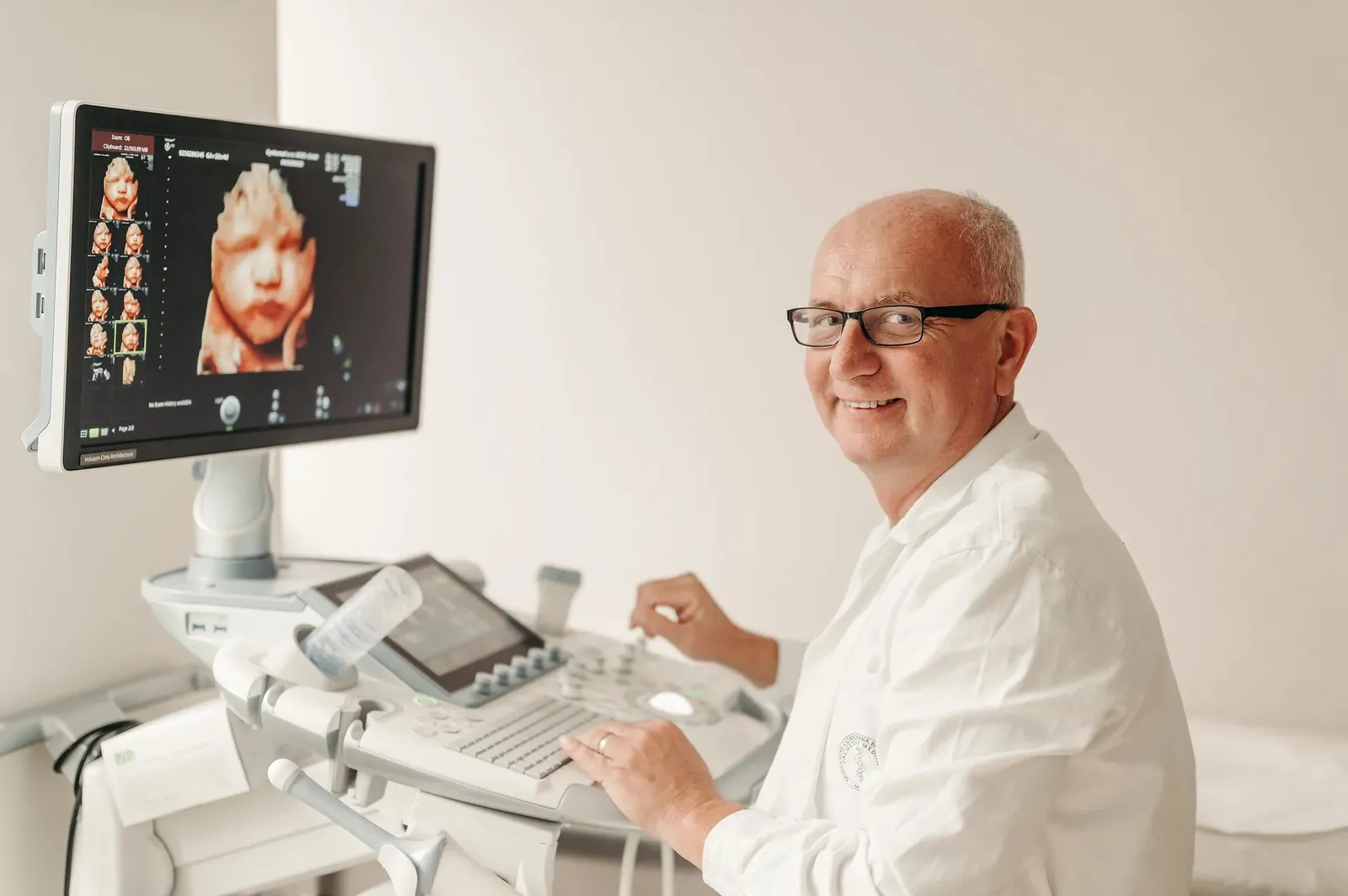
Gynkomed: appointments for a gynaecology practice
For the Gynkomed practice I built an appointment system that distinguishes between registered and unregistered patients. Each service has its own length and some, such as preventive check-ups, are only for registered patients. When an unregistered patient wants to register at the same time, the system automatically reserves a longer slot.
The practice sees a weekly schedule in 15-minute slots, similar to a spreadsheet. The colour shows the status of the appointment: confirmed online, waiting for confirmation or added from a phone call. The admin is password protected, the system sends e-mail reminders and backs itself up twice a day.
Medke Plus: medical aids rental bookings
For Medke Plus from Sobrance I built a booking system for their medical aids rental. Next to each item the customer sees a calendar of booked days and reserves a free date. The items load directly from their online shop and the owner has a clear overview of bookings in a dashboard.
KarlovaTop: apartments in Prague
The luxury apartment rental in Prague's Old Town has its own booking system directly on the website.
What the system can do
Choosing a service and a time in a few clicks, e-mail confirmation and reminder, manual entries from phone calls, different service lengths, holidays and an occupancy overview.
For the customer or patient
- choosing a service and a free slot without registration,
- booking confirmation by e-mail and a reminder before the appointment,
- a note with the booking, if you want one.
For you
- a daily and weekly calendar with colour-coded statuses,
- different service lengths, breaks, public holidays and leave,
- adding an appointment from a phone call to the same calendar,
- rules for who can book what,
- a password-protected admin and regular backups.
Bookings and GDPR in a medical practice
When booking patients I collect only the data needed for the appointment. The admin is password protected, the data sits in a secured database with backups and can be deleted on request.
Under GDPR, health data belongs to special categories of personal data, so I am careful with medical practices. The form asks for name, contact, type of service and time. I add a free-text note field only if the practice really needs it.
The e-mail reminder contains the date, time and address, not the reason for the visit. I set up the database in an EU data centre and only the practice has access to the admin.
As the controller, the practice must inform patients how their data is handled. I am happy to help with the text, but I recommend having the legal wording checked.
How it is built
We list services, lengths and rules, I prepare a design within 2 working days, build it and connect it to your website, we test it and I train you.
- Services and rulesWhich services you offer, how long they take, who can book them and how late an appointment can be cancelled.
- Design within 2 working daysI show you how booking will look for the patient and for you.
- Development and integrationI build the system and embed it in your website so it feels like part of it.
- Parallel startPhone bookings continue until patients get used to it. Appointments from the phone go into the same calendar.
More on when a ready-made tool is enough and how to introduce online booking without chaos at reception in the article custom booking system.
Frequently asked questions
Can the booking system be connected to my website?
Yes. Booking is embedded in your existing website and adapts to its look. If you do not have a website yet, I can build a new one too.
Does the system send reminders?
Yes. After booking, a confirmation arrives by e-mail and a reminder before the appointment.
Can the nurse enter appointments from phone calls?
Yes. A manually added appointment goes into the same calendar and is colour-coded differently from online bookings.
How much does a custom booking system cost?
It depends on the number of services, rules and integrations. After a short conversation I send you a design and a price estimate for free.
Is the booking system GDPR compliant?
I collect only the data needed for the appointment, I do not send the reason for the visit in e-mails, the admin is password protected and the data can be deleted. I recommend having the patient information text checked by a lawyer.
I will send you a design within 2 working days
Send me a few sentences about what you need. The design is free and with no obligation.
Contact me